Singapore MRT Bus Card Balance
Navigation
Tap your EZ-Link or NETS FlashPay card, see your balance and every trip.
- Category
- Navigation
- Platform
- Android
- Version
- 1.1.0
- Installs
- New
About Singapore MRT Bus Card Balance
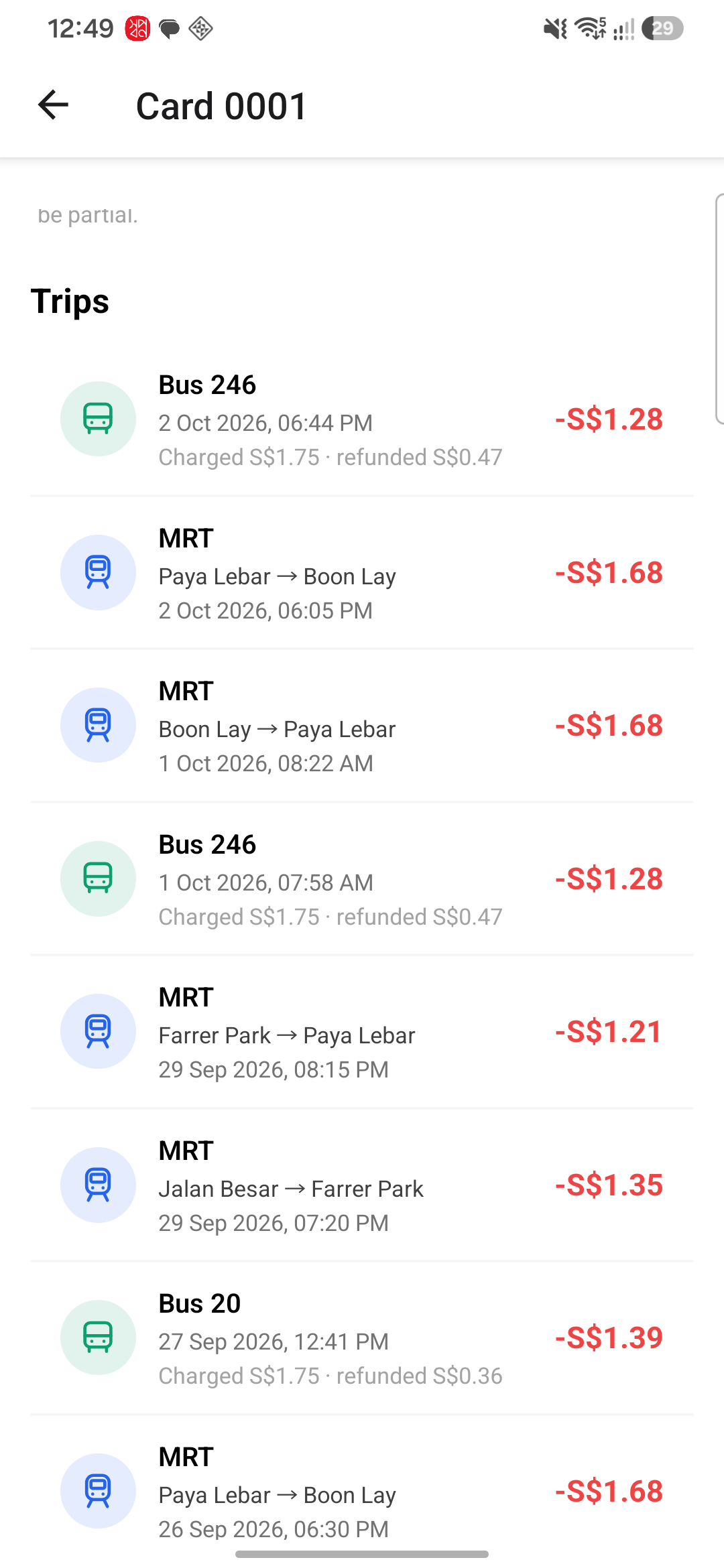
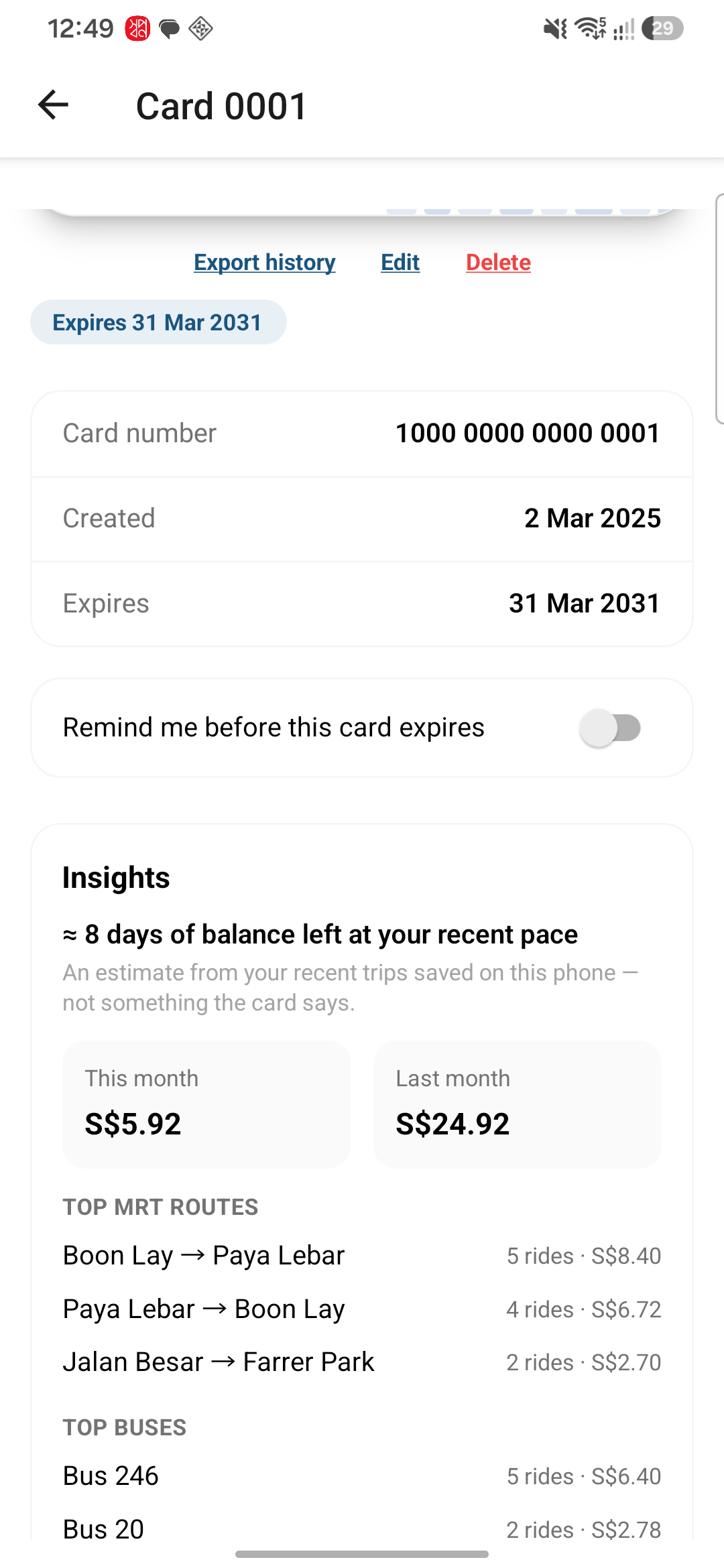
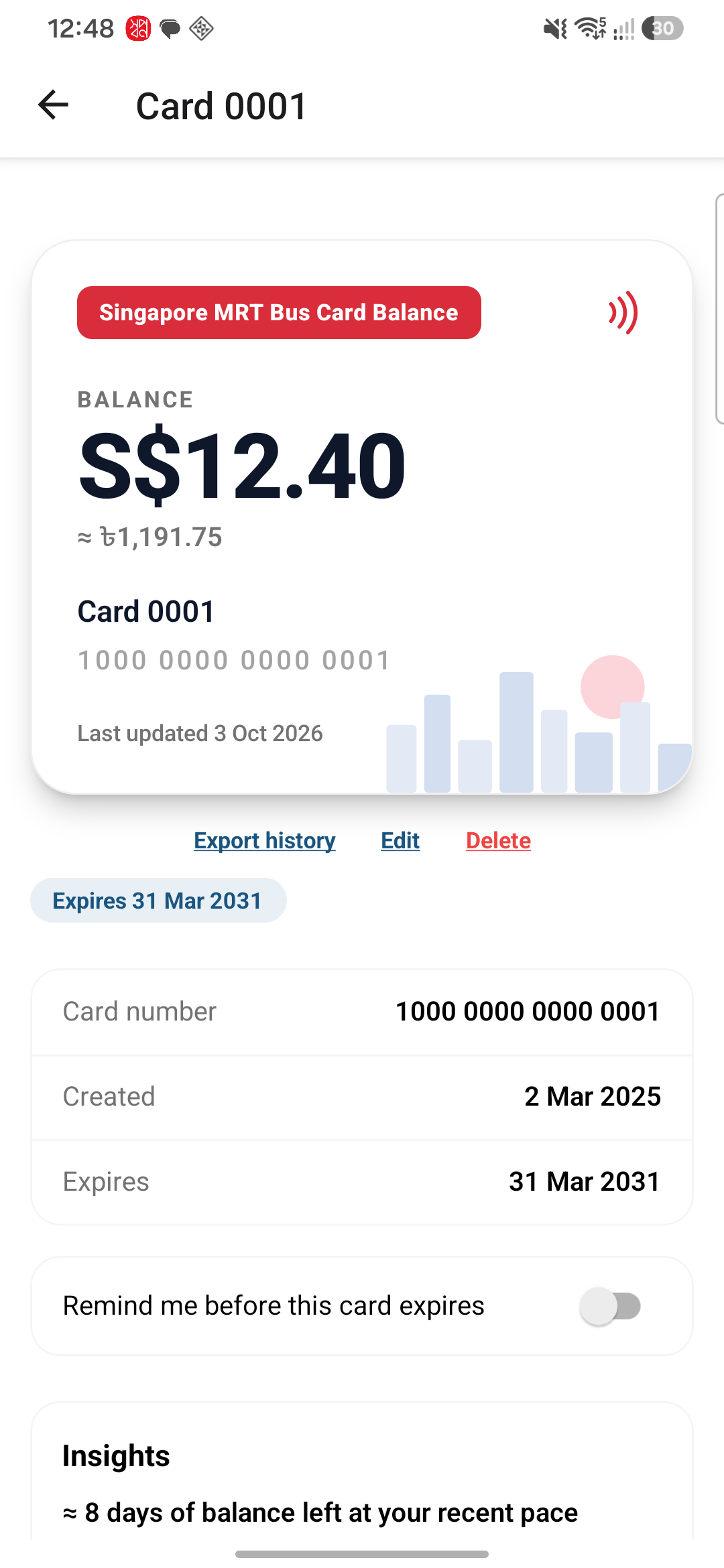
Hold your EZ-Link or NETS FlashPay card to the back of your phone and see what's left on it at once, in Singapore dollars and in your home currency. The app shows when the card expires and lists every trip: MRT journeys with their stations, bus rides with the fare you actually paid, and top-ups.
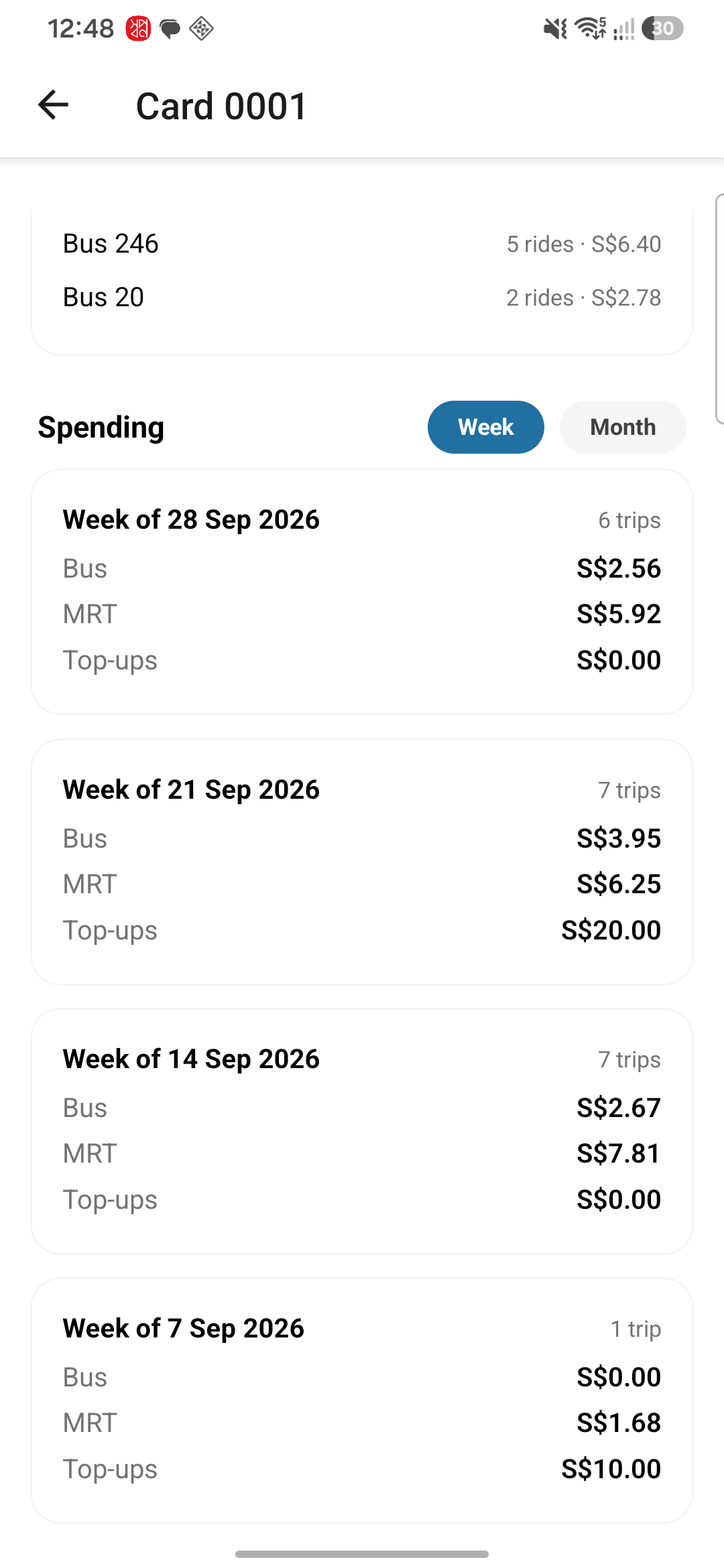
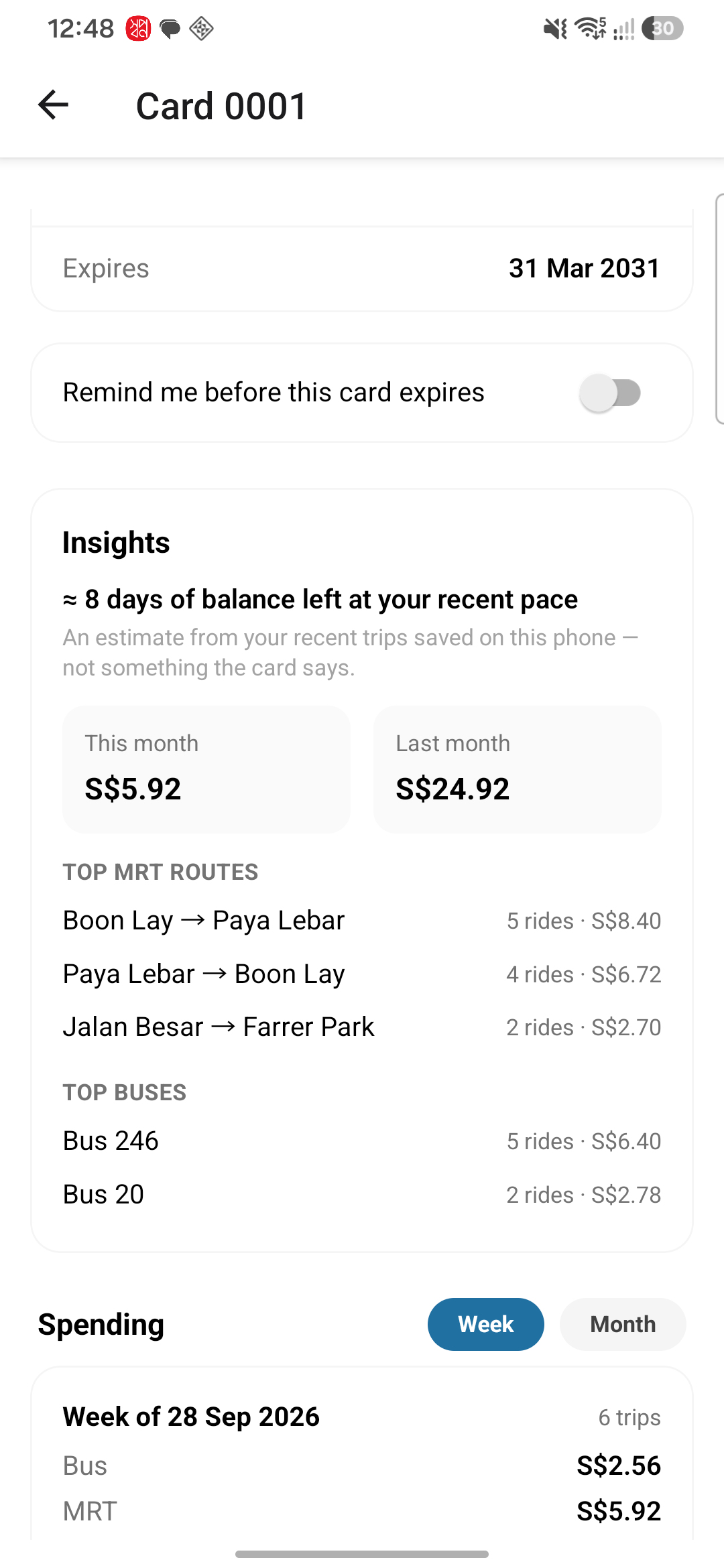
Your card only remembers its last 30 records; the app keeps every one it has seen, so your history keeps growing. See what you spend each week and month, your most-used routes, and roughly how long your balance will last. Get a reminder before the card expires, and export your history as a CSV file for expense claims. The app is free with ads; a one-time purchase removes them for life. English, 简体中文, বাংলা and Bahasa Melayu. Reading your card needs no internet, and the app can never change it. Unofficial — not affiliated with EZ-Link, SimplyGo, NETS or LTA.
A street map of the MRT and LRT network shows each station's exits, how crowded it is right now, its first and last train and how often trains come, and plans a trip between two stations with the scheduled time on the train. A bus view lists every bus stop with live arrival times for each service. The map and the live information need an internet connection; train times, exits and bus stops are from the Land Transport Authority.
Instant balance
Tap an EZ-Link or NETS FlashPay card and see the balance in Singapore dollars and your own currency.
Trips and spending
Bus charges and refunds are combined into one ride with the real fare, plus weekly and monthly spending.
Reminders and export
A reminder before your card expires, and your whole history as a CSV file you can share.
Your card stays yours
No account. Card data is stored on your phone and never uploaded, and the app can never write to your card.
Take a look